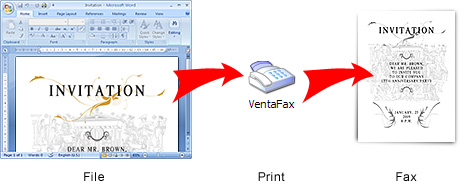
You can prepare and transmit a document by fax from any Windows application that supports printing
This can be a word processor, graphic editor, spreadsheet processor, database, Internet browser, e-mail software.
Simply print a document on the VENTAFAX virtual printer that will appear in your system after VentaFax installation.
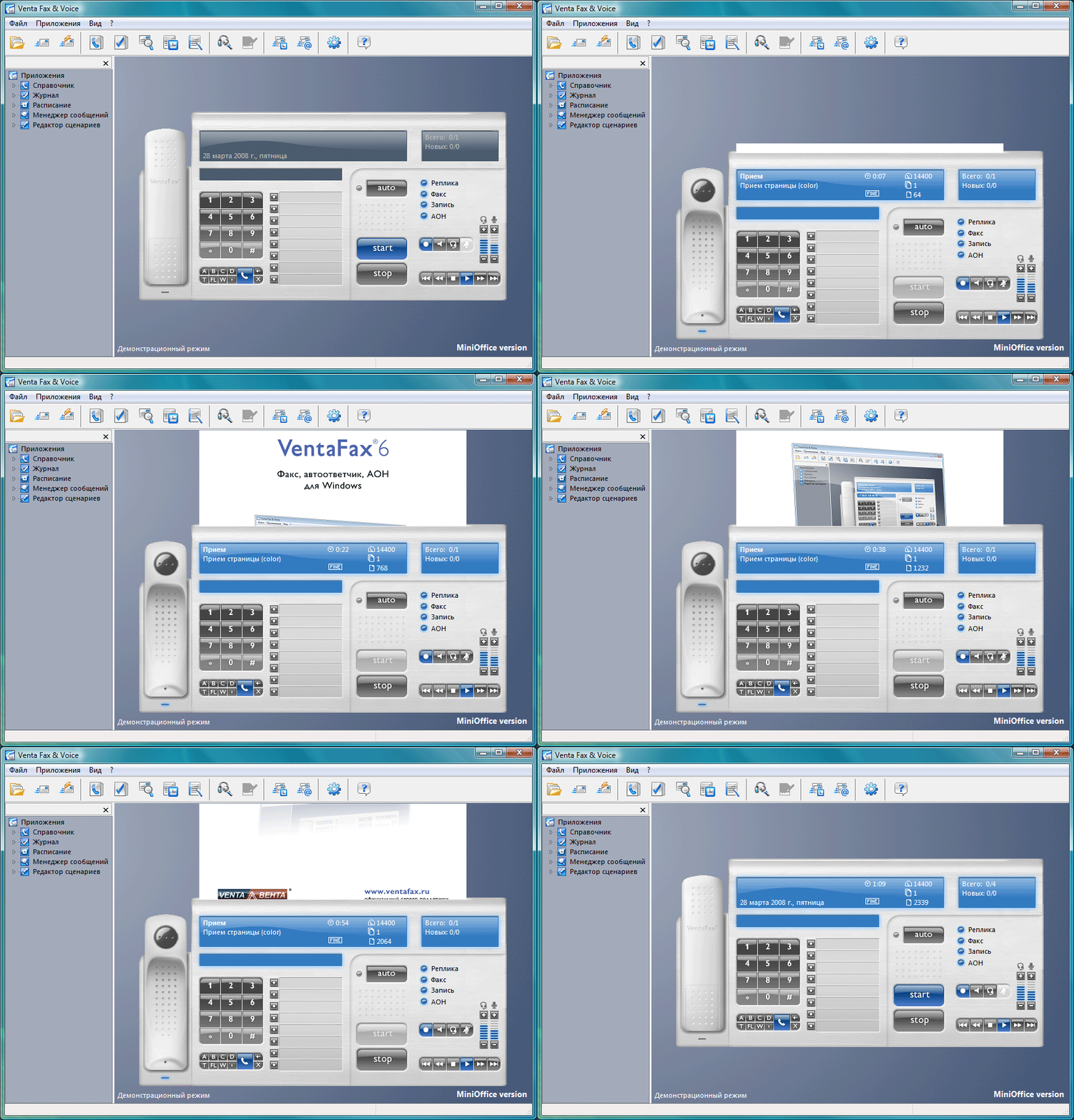
VentaFax displays message reception and transmission in real time
Facsimile reception. Zoom in
Messages are stored as files
Facsimile messages are stored in TIF format (standard graphic format).
Voice messages are stored in WAV format (standard voice format).
Click ">" button to continue