B. Manual Fax Reception

You have an ongoing telephone conversation with your sender. Don't hang up.
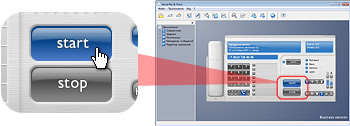
1. Click Start button
 |
| |

Start button would blink. The program is ready to receive a fax. |
2. Ask the transmitting party to start fax sending
3. Click Start button once again
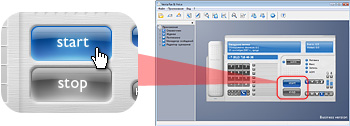
Connection would be established. You would hear your modem distinctive sound (the pilot tone).
Play sample pilot tone
3. Put down telephone handset
4. Fax reception would start
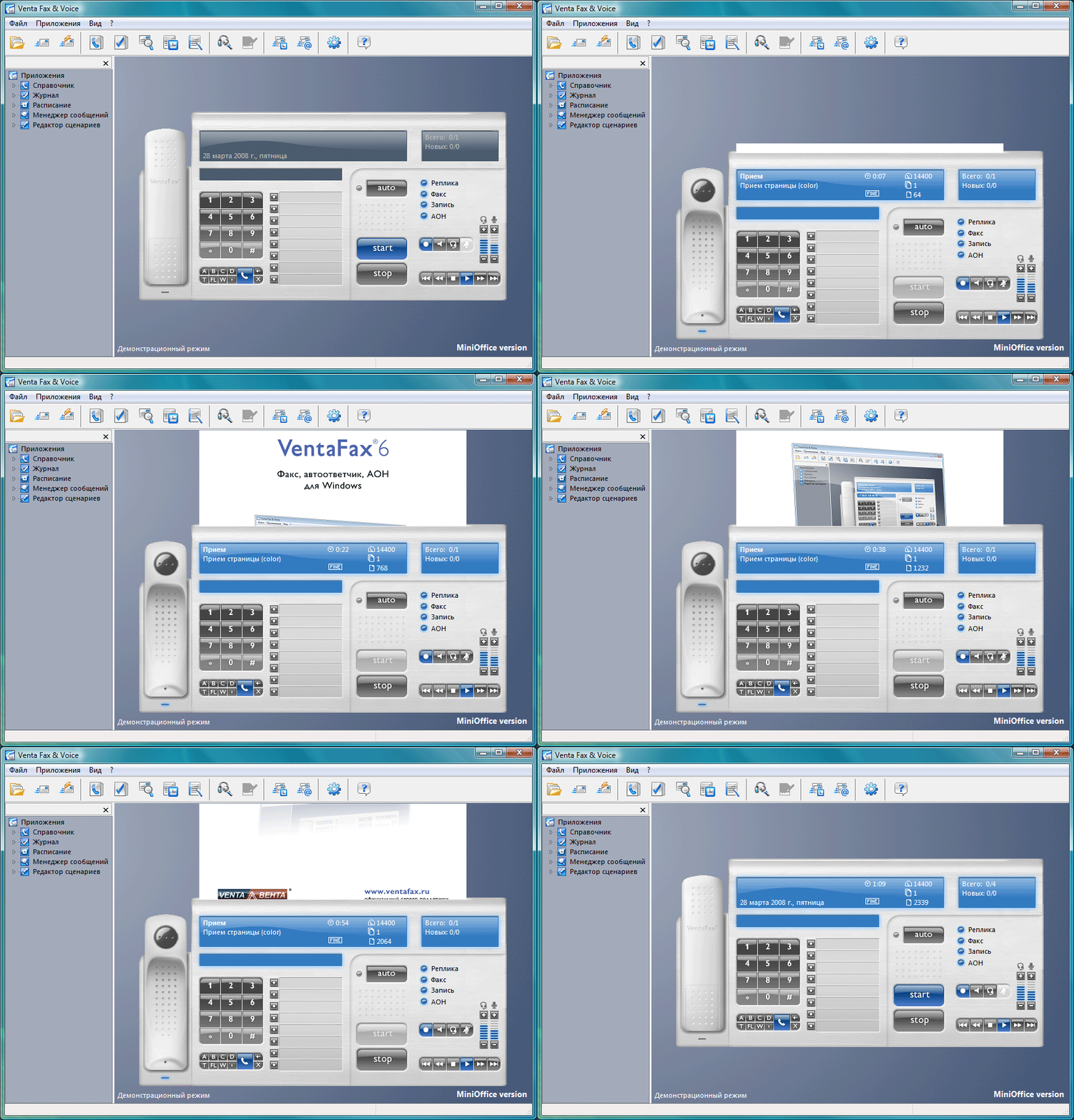
After the fax is received, Stop button would blink.

5. Click Stop button for modem to "hang up"
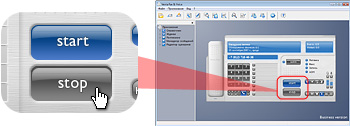
 If you want to continue your conversation, pick up telephone handset first, then click Stop button. If you want to continue your conversation, pick up telephone handset first, then click Stop button.
6. Message Manager would start
Here you can view and print a received fax.
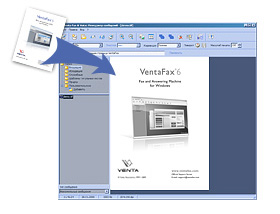
Received faxes can be printed automatically. For details, see VentaFax Help.
Click "Select another lesson" button to continue
|


